Scanning & Tracking
Card Scanner Machines for Sports Cards
No such machine is manufactured. Three borrowed ones do the job, badly in different ways.
By Brijon M. · Published October 17, 2026 · Last updated October 17, 2026
Disclosure: Slab & Stack is funded by affiliate commission. If you buy through a link on this page we may earn a commission at no extra cost to you, and that never changes which product we put first. How we pick · Full disclosure
The short answer
Nobody makes a sports card scanner — you are choosing between a document flatbed, a document feeder and an overhead scanner
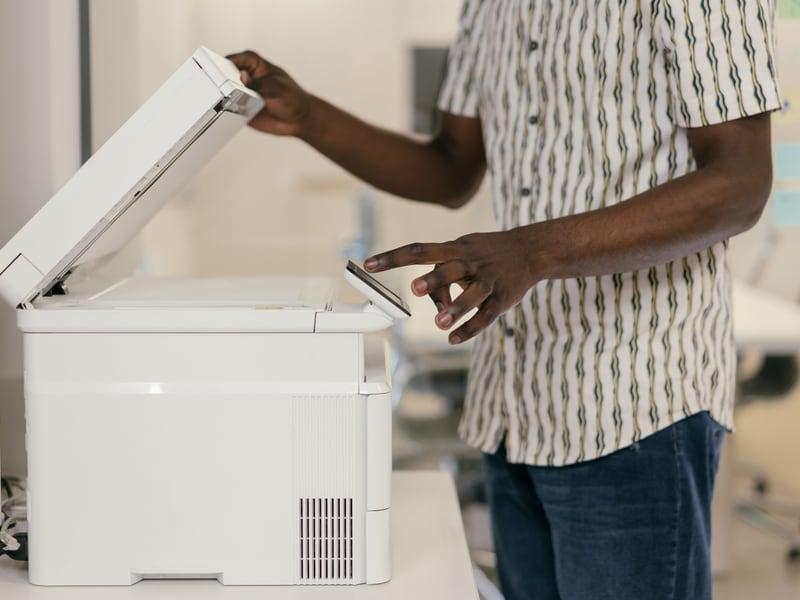
The query assumes a product category that does not exist. There is no consumer machine designed and sold for scanning trading cards; every device used for the job is a photo or document scanner doing something it was not designed for. That matters because each type fails on a specific kind of card: a flatbed is slow, a sheet feeder damages thick and warped stock and cannot take a slab at all, and an overhead scanner trades image quality for never touching the card. Pick by the cards you own, not by a product name.
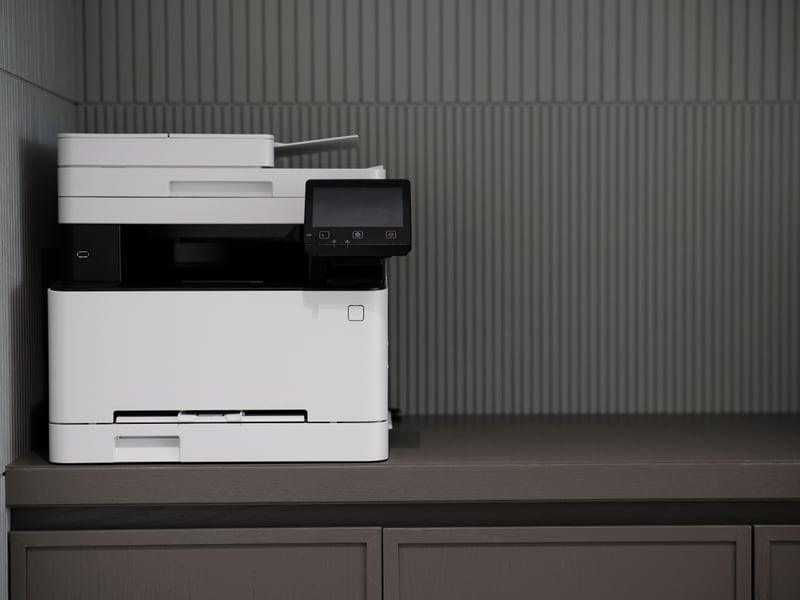
There is no card scanner machine. No manufacturer builds and sells a consumer device designed for scanning trading cards. Every machine used for the job is a photo scanner or a document scanner borrowed from a different purpose, and the three types available — flatbed, sheet-feed and overhead — each fail on a different category of card. That is the honest answer to the question, and it is more useful than a product recommendation would be.
It is worth saying why, because the absence is not an oversight. Trading cards are an awkward object to automate: they vary from about 20pt to 180pt in thickness, many are coated and reflective, some are slightly warped, and the most valuable ones are sealed inside a quarter-inch of rigid plastic. A machine that handled all of that safely at speed would cost more than the collections most people are digitising.
The three machine types
| Type | How it works | Good for | Fails on |
|---|---|---|---|
| Flatbed | Card lies on glass, lamp moves beneath it | Everything — raw, thick, slabbed | Speed: one card at a time, lid up and down |
| Sheet-feed / ADF | Rollers pull the card past a sensor | Thousands of thin commons, both sides in one pass | Thick, warped or valuable cards; slabs jam and can crack |
| Overhead contactless | Camera above, nothing touches the card | Premium singles and slabs | Image quality trails a good flatbed; needs light control |
| Phone app | Camera plus recognition software | Fast identification and collection logging | Listing-grade images; reflections on chrome and slabs |
Structural characteristics of each type. Per-model specifications are published by each manufacturer and cited on the product pages.
Read that table and the decision stops being about machines and becomes about your collection. A box of 4,000 commons you want cataloged is a feeder problem. Forty slabs you want recorded properly is an overhead or flatbed problem. A hundred mid-value raw cards you are listing is a flatbed problem. Most collections are two of those at once, which is why so many collectors end up with two devices.
Quick picks
| # | Product | Best for | Price |
|---|---|---|---|
| 1 | E Epson Perfection V600 Photo Scanner A photo flatbed is the only type that handles every card you own on one device — raw, thick and slabbed — because nothing touches the card but glass. The machine most collectors should buy | High-quality flatbed card scans | Check price on Amazon |
| 2 | R Ricoh fi-8170 Document Scanner A commercial duplex feeder rated by Ricoh to 70 pages per minute with a 100-sheet ADF. It is the fastest practical way to digitise thousands of commons, and rollers touch every single one of them. The nearest thing to a bulk card machine | Bulk raw-card digitizing | Check price on Amazon |
| 3 | R Ricoh ScanSnap SV600 An overhead scanner with no rollers and no platen pressure. It is the only type that is genuinely safe for premium raw cards and for slabs, and it is faster than a flatbed on a run of singles. The contactless option | Contactless scanning of valuable cards | Check price on Amazon |
#ad We earn a commission if you buy through these links, at no cost to you. Prices move constantly, so we link to the live listing instead of printing a number that would be wrong next week. How we are funded.
1. The machine most collectors should buy
Epson Perfection V600 Photo Scanner
Epson · High-quality flatbed card scans
A flatbed is the right tool for cards, because nothing touches the card but glass. The V600 is the volume-sweet-spot model for listing photos and submission records.
Why it takes this slot: A photo flatbed is the only type that handles every card you own on one device — raw, thick and slabbed — because nothing touches the card but glass.
- Type
- Flatbed photo scanner
- Use
- Listing images, grading records, archival scans
- Tradeoff
- Slower than a feed scanner, higher image quality
What it does well
- No rollers touch the card, which is the whole argument for flatbeds
- Image quality is good enough for listings and pre-submission records
- Scans slabs as well as raw cards
Where it falls short
- Slow — one platen at a time
- Desk footprint is real
- Overkill if you only ever need a phone snapshot
#ad We link to the listing rather than printing a price that would be wrong next week. How we are funded
2. The nearest thing to a bulk card machine
Ricoh fi-8170 Document Scanner
Ricoh · Bulk raw-card digitizing
A commercial duplex scanner with a 100-sheet feeder, widely used for bulk card workflows. It is fast and it is a feeder, which means it is for commons and never for your best card.
Why it takes this slot: A commercial duplex feeder rated by Ricoh to 70 pages per minute with a 100-sheet ADF. It is the fastest practical way to digitise thousands of commons, and rollers touch every single one of them.
- Speed
- Up to 70 pages per minute at 200/300 dpi per the manufacturer
- Feeder
- 100-sheet ADF
- Scanning
- Duplex — both sides in one pass
What it does well
- Duplex capture means front and back in a single pass
- The fastest practical way to catalog thousands of commons
- Well supported by card cataloging workflows
Where it falls short
- Rollers touch every card — never feed a card you care about
- Thick, warped or slabbed cards will not feed
- Commercial pricing
#ad We link to the listing rather than printing a price that would be wrong next week. How we are funded
3. The contactless option
Ricoh ScanSnap SV600
Ricoh · Contactless scanning of valuable cards
An overhead scanner: nothing touches the card at all. That makes it the one fast-ish option that is safe for premium raw cards and for slabs.
Why it takes this slot: An overhead scanner with no rollers and no platen pressure. It is the only type that is genuinely safe for premium raw cards and for slabs, and it is faster than a flatbed on a run of singles.
- Type
- Overhead contactless scanner
- Contact
- No rollers, no platen pressure
- Use
- Premium raw cards, slabs, thick stock
What it does well
- Zero physical contact with the card
- Scans slabs without the glare problems of a flatbed lid
- Faster than a flatbed for a run of singles
Where it falls short
- Ambient light control matters, so it needs a considered spot
- Image quality trails a good flatbed
- Expensive for a home collection
#ad We link to the listing rather than printing a price that would be wrong next week. How we are funded
What people usually mean by the question
Three different needs hide behind "card scanner machine", and they have three different answers.
- "I want to identify and value cards quickly." That is recognition software, not a machine. A phone app photographs the card and matches it against a database — see best sports card scanner apps and best card value lookup tools.
- "I want images for eBay listings." That is a flatbed, because listings need flat, square, glare-free images produced consistently. See best card scanners for eBay listings.
- "I want to digitise thousands of cards." That is a duplex feeder, with the permanent caveat that it is for commons only. See best bulk card scanners.
If the real goal is a catalog rather than images, be clear with yourself about that before buying anything, because a recognition app on a phone you already own may finish the job for nothing. The decision framework is in scanner app vs flatbed scanner.
The machines sold as card scanners
You will see devices marketed for trading cards, and they are almost always one of two things. The first is a standard document feeder with card-specific software bundled on top — the machine is unchanged, and so is the roller risk to your cards. The second is a phone mount and light box, which is a photography accessory rather than a scanner, and which can genuinely improve phone captures without changing what the phone is doing.
Neither is a scam; both are worth understanding for what they are. The thing to watch is any claim that a feeder is safe for valuable cards. It is not, regardless of marketing, because the mechanism has not changed: rollers grip the card and pull it through under pressure.
What the machine does not solve
Buying hardware is the easy part of digitising a collection, and it is the part that gets all the attention. The work that actually determines whether the project succeeds is the part no machine does: deciding what each file is called, where the files live, and how they connect to a record of what you own.
Scan five hundred cards into a folder of unnamed images and you have spent an evening producing something you will never open again. Scan the same five hundred with a file name that pairs front and back and ties to a catalog row, and you have an asset — for insurance, for listing, and for proving condition before a submission. How to catalog a card collection and best collection tracker apps cover that half.
Choosing, in four questions
- Do you want images or identification? Identification is software. Images are a scanner. Be honest about which problem you have.
- What is the most valuable card you will put through it? If the answer is anything you would be upset to crease, a feeder is out for that card.
- How many cards, realistically? Under a few hundred, a flatbed's slowness costs you an evening. Over a few thousand, it costs you the project.
- Are there slabs? If yes, a flatbed with the technique in how to scan graded cards, or an overhead scanner. Never a feeder.
Work through those and the right machine is usually obvious — and it is usually a flatbed, because it is the only type that does not have a category of card it refuses. The rankings by type are in best card scanners, best flatbed scanners for cards and best bulk card scanners, and the settings that make any of them produce a usable image are in best scanner settings for cards.
Common questions
Is there a machine made for scanning sports cards?
What machine should I use to scan sports cards?
Can a card scanner machine scan graded slabs?
Are the scanners sold for trading cards different from document scanners?
What is the fastest way to scan a lot of cards?
Do I need a scanner or just a phone app?
Back to Scanning & Tracking.
Sources
About the author
Brijon M. is the hands-on owner behind MadGrey LLC and the person who writes and maintains every page on Slab & Stack. He buys supplies in bulk, submits cards for grading, and keeps this site's recommendations tied to what a working collection actually needs.
Brijon M. · Owner, MadGrey LLC · Read the full bio
Read next

comparison
Scanner App vs Flatbed Scanner
Speed against repeatability. They are not competing for the same job.
Picks
Best Card Scanners for eBay Listings
Listing photos are a throughput problem, not an image-quality problem.