Scanning & Tracking
How to Scan Sports Cards
A workflow you can repeat on card number four hundred without thinking about it.
By Brijon M. · Published October 6, 2026 · Last updated October 6, 2026
Disclosure: Slab & Stack is funded by affiliate commission. If you buy through a link on this page we may earn a commission at no extra cost to you, and that never changes which product we put first. How we pick · Full disclosure
The short answer
Clean glass, card square, corrections off, both sides, named consistently
Scanning well is a process rather than a product. The five things that matter are a clean platen, a square card, automatic corrections turned off, both sides captured, and a filename you will still understand in two years.
The goal is a scan you could show a buyer or a grader and have it tell the truth. That means consistency more than quality: the same light, the same settings, the same framing, every time.
The workflow
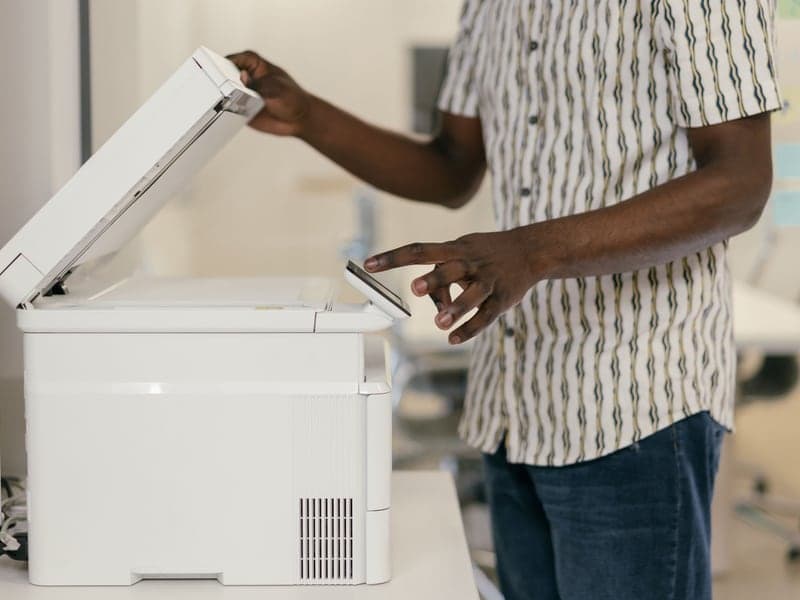
- Clean the platen with a microfibre cloth. Dust on the glass appears as a defect on the card, which is worse than it sounds when someone is assessing condition.
- Leave the card in a clean, clear sleeve so you never touch the surface. If the sleeve is cloudy or scratched, swap it first.
- Place the card square to the platen edge, in the same corner every time, so the framing is consistent across a whole session.
- Set resolution and turn corrections off — 600 dpi for listings, 1200 for records, descreening and sharpening off.
- Scan the front, then the back. A one-sided scan is half a record.
- Check the preview for glare before committing, especially on chrome. Reposition rather than correcting afterwards.
- Name the file consistently — year, set, player, card number, front or back — and store a copy somewhere other than the scanning machine.
Quick picks
| # | Product | Best for | Price |
|---|---|---|---|
| 1 | E Epson Perfection V600 Photo Scanner Flatbed, glass-only contact, and manual control over the settings this process depends on. The scanner for this workflow | High-quality flatbed card scans | Check price on Amazon |
| 2 | C Canon CanoScan LiDE 400 Same workflow, smaller desk, perfectly adequate for listing images. The cheaper option | A flatbed on a small desk | Check price on Amazon |
| 3 | UP Ultra Pro Platinum Soft Card Sleeves A clean, clear sleeve lets you scan without touching the card at all. Scan through a clean sleeve | The default penny sleeve | Check price on Amazon |
#ad We earn a commission if you buy through these links, at no cost to you. Prices move constantly, so we link to the live listing instead of printing a number that would be wrong next week. How we are funded.
1. The scanner for this workflow
Epson Perfection V600 Photo Scanner
Epson · High-quality flatbed card scans
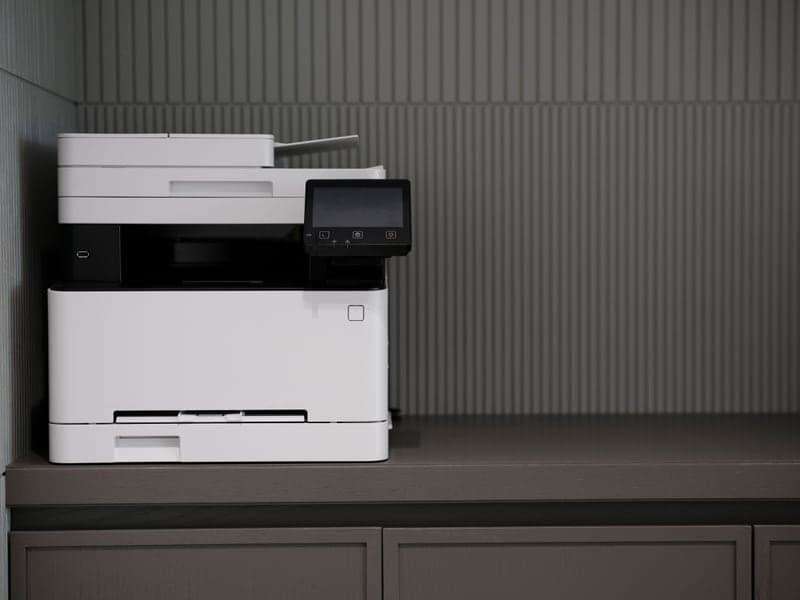
A flatbed is the right tool for cards, because nothing touches the card but glass. The V600 is the volume-sweet-spot model for listing photos and submission records.
Why it takes this slot: Flatbed, glass-only contact, and manual control over the settings this process depends on.
- Type
- Flatbed photo scanner
- Use
- Listing images, grading records, archival scans
- Tradeoff
- Slower than a feed scanner, higher image quality
What it does well
- No rollers touch the card, which is the whole argument for flatbeds
- Image quality is good enough for listings and pre-submission records
- Scans slabs as well as raw cards
Where it falls short
- Slow — one platen at a time
- Desk footprint is real
- Overkill if you only ever need a phone snapshot
#ad We link to the listing rather than printing a price that would be wrong next week. How we are funded
2. The cheaper option
Canon CanoScan LiDE 400
Canon · A flatbed on a small desk
Slim, USB-powered, and good enough for listing photos. The honest entry point if you want scans rather than phone photos but have no room for a photo scanner.
Why it takes this slot: Same workflow, smaller desk, perfectly adequate for listing images.
- Type
- Slim flatbed scanner
- Power
- USB powered
- Use
- Listings and records
What it does well
- Stands upright and stores in a drawer
- One cable, no power brick
- Cheapest route to real flatbed scans
Where it falls short
- Lid pressure is light, so warped cards need weighting
- Not built for volume
#ad We link to the listing rather than printing a price that would be wrong next week. How we are funded
3. Scan through a clean sleeve
Ultra Pro Platinum Soft Card Sleeves
Ultra Pro · The default penny sleeve
Clear, acid-free, consistently cut, and sold everywhere in 100-count packs. It is the sleeve every other sleeve gets compared to, and the one PSA's guidance effectively asks for: clear, not opaque.
Why it takes this slot: A clean, clear sleeve lets you scan without touching the card at all.
- Size
- Standard 2 5/8" x 3 5/8" trading card
- Material
- Acid-free, PVC-free polypropylene
- Pack size
- 100 count, sold in multipacks
- Clarity
- Clear — grading-submission appropriate
What it does well
- Clear sleeve, which is what grading submissions require
- Consistent cut, so cards do not catch going in
- Cheap enough to sleeve a whole box without thinking about it
Where it falls short
- Thin by design — a sleeve is not protection on its own
- Static cling makes single-handed loading fiddly
#ad We link to the listing rather than printing a price that would be wrong next week. How we are funded
Batch scanning without losing track
Scan several cards per pass if the platen allows, then crop. Keep the physical order of the stack identical to the order you process the files, and name as you go rather than at the end — a folder of two hundred unnamed scans is a folder nobody ever sorts.
When to scan
- Before any grading submission, always. It is the only record of the card as it left you.
- Before selling, for the listing and for your own protection in a dispute.
- When cataloging, if you want images attached to your inventory.
- Before any long-term storage, for insurance documentation.
Common questions
How do I scan sports cards without damaging them?
Can I scan cards in penny sleeves?
Should I scan both sides?
How should I name card scan files?
Back to Scanning & Tracking.
Sources
About the author
Brijon M. is the hands-on owner behind MadGrey LLC and the person who writes and maintains every page on Slab & Stack. He buys supplies in bulk, submits cards for grading, and keeps this site's recommendations tied to what a working collection actually needs.
Brijon M. · Owner, MadGrey LLC · Read the full bio
Read next

reference
Best Scanner Settings for Cards
The settings that make a scan a record rather than an interpretation.

guide
How to Catalog a Card Collection
The project everyone starts and few finish. Here is the version that finishes.
guide
How to Ship Cards to PSA
Everything after the box is packed, including the records you will want if something goes wrong.
Picks
Best Flatbed Scanners for Cards
Nothing but glass touches the card. That is the entire argument, and it is a good one.